

A Guide to the Mercedes-Benz App
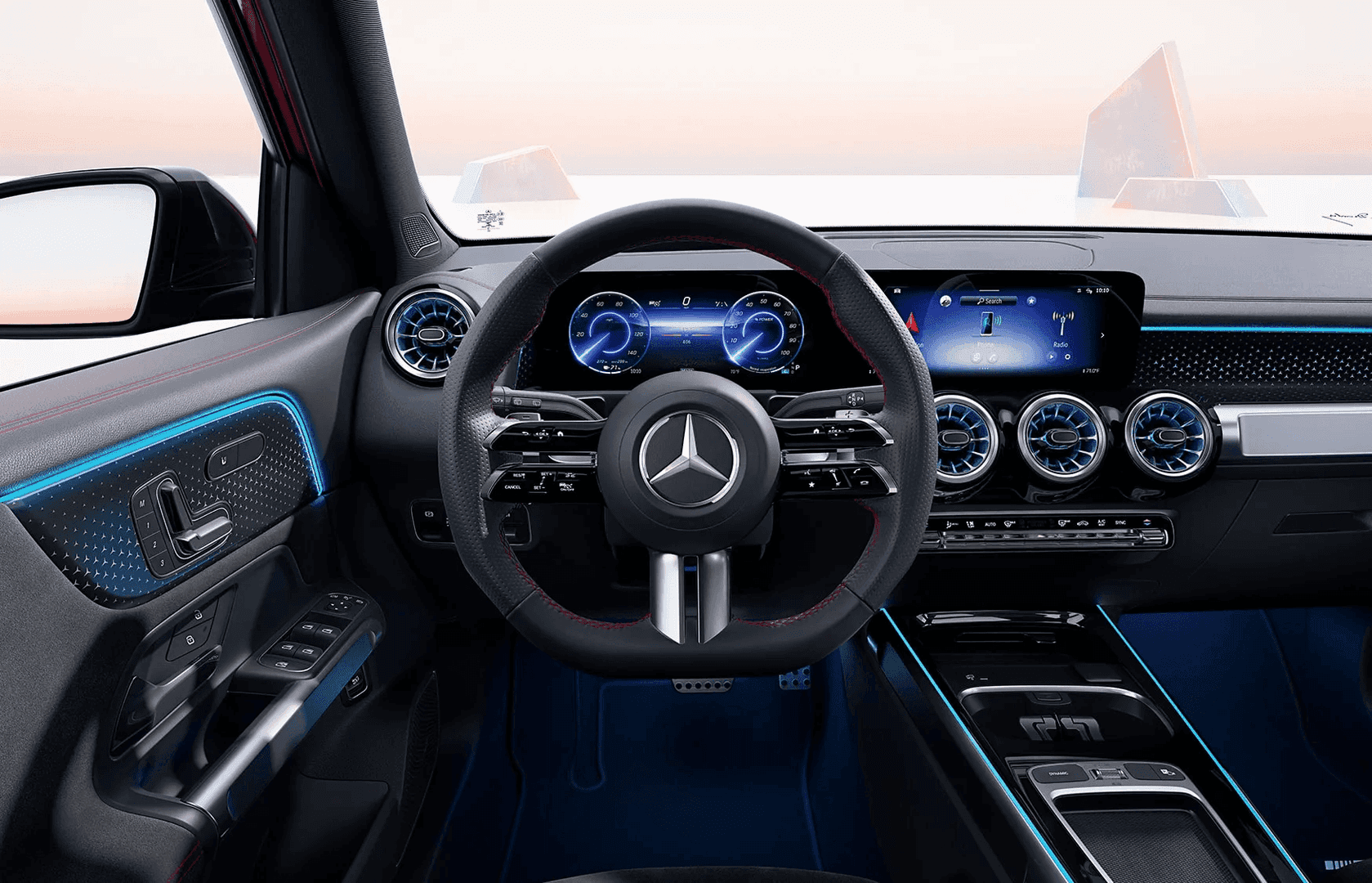
Mercedes-Benz doesn’t just make the finest luxury cars on the planet—it also gives drivers many ways to enjoy them. One way is through the Mercedes-Benz app, formerly known as the Mercedes me® app. By any name, this tool has a lot of great features to enhance your day-to-day driving. Mercedes-Benz of St. Charles goes over what it can do and how to get started using it.
Remote Capabilities
One of the most exciting functions of the Mercedes-Benz app is that it gives you a lot of control over your vehicle even from a distance. With the remote start feature, you can get the AC or heat going long before you get inside so the climate is perfect when you’re ready to get going. Plus, the app lets you lock or unlock your vehicle wherever you may be.
Location Finder
It can be extremely frustrating if you can’t remember where you left your car in a crowded lot or you can’t quite recall what street you parked on. The Mercedes-Benz app makes it a snap to find its location. You can also activate the horn and lights to make things a bit easier.
Battery Status
If you drive an electric Mercedes-Benz model, the app has a special feature for you. Once you hook up your car to a charger, it lets you keep tabs on the charging level so you’ll know exactly when it is ready to go again.
Vehicle Upgrades
Want to add some digital upgrades to your vehicle, or perhaps extend services like satellite radio? This is another thing you can do through the Mercedes-Benz app.
Getting Started with the Mercedes-Benz App
It couldn’t be simpler to start using the Mercedes-Benz app. All you need to do is scan the QR code found in your vehicle’s multimedia system, or download the app and enter your Vehicle Identification Number. If you have trouble with setup or need some questions answered, just get in touch with Mercedes-Benz of St. Charles and we’ll be happy to assist you.
0 comment(s) so far on A Guide to the Mercedes-Benz App